
Once you have signed up and registered your store, in order to use the app, the email address of your account needs to be verified.
Follow the below given steps to verify your Email address:
- Login to your email account which you have provided at the time of registering your store. Once you have submitted the sign up form and successful sign up, you need to verify your Email ID using the Email sent to your inbox.
- Look for the verification email from Quick eSelling with the subject line Welcome to QuickeSelling.
Note:
If you have not received the verification Email:
- Check that your Email address is entered correctly with the correct domain name and no spaces.
- Check your spam or junk folder.
- Open the mail and click the link Click Here to verify your email.
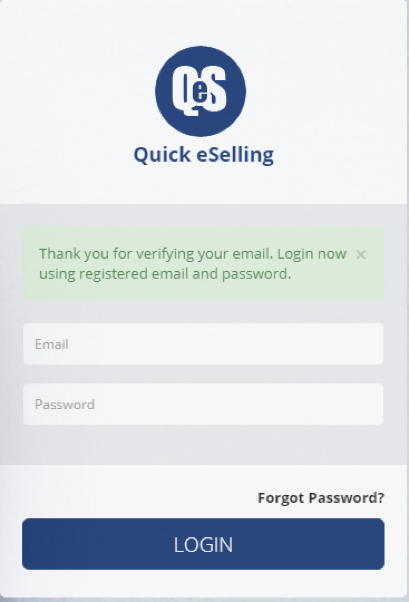
On successful email verification, the login screen appears along with a message “Thank you for verifying your email. Login now using registered email and password” as shown in the screen given below.
Comments
0 comments
Please sign in to leave a comment.