
You can give your customers an option of entering a phone number or email address at the time of checkout. Customers who choose to enter an email address receive email notification whenever they add any item in their wish list or cart.
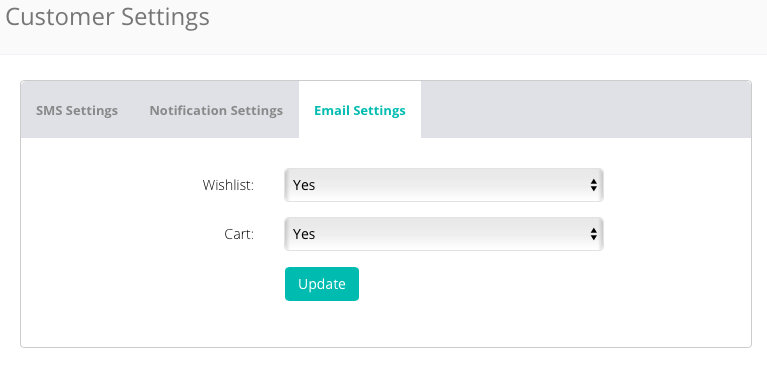
Login to CRM and go to Settings > Configuration > Customer Settings.
- In Notifications tab
- Wishlist: set to Yes
- Cart: set to Yes
- In SMS Settings tab
- Wishlist: select Yes to send email notification when customer adds any item in wish list
- Cart: select Yes to send email notification when customer adds any item in cart
Comments
0 comments
Please sign in to leave a comment.