
You can give your customers an option of entering a phone number or email address at the time of checkout. Customers who choose to enter a phone number instead of an email address receive their registration and order confirmation by SMS to their mobile phone.
Login to CRM and go to Settings > Configuration > Customer Settings.
- In Notifications tab
- New Order: set to Yes
- Orders: set to Yes
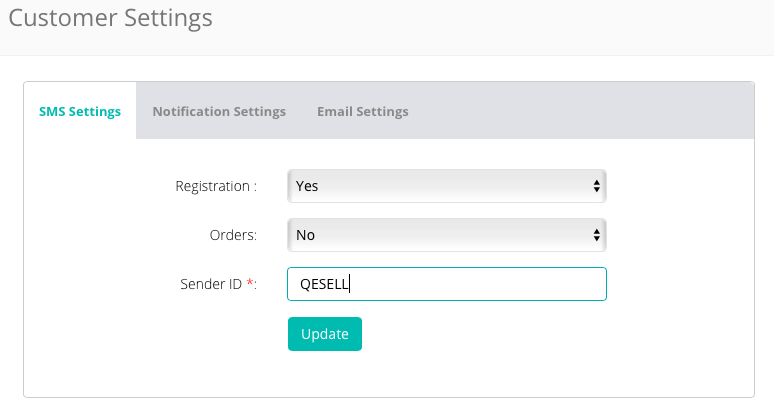
- In SMS Settings tab
- Registration: select Yes to send SMS notification when customer is registered successfully
- Orders: select Yes to send SMS notification for any change in status for order
- Sender ID: 6 characters alphabetic (Example: QESELL)
Comments
0 comments
Please sign in to leave a comment.