
A location is a physical place or an app where you sell products, ship or fulfill orders, and stock inventory. You can set up multiple locations in store so that you can track inventory and fulfill orders at your locations.
Login to CRM and follow the below given steps.
- Go to Settings > Shipping > My Stores. Click on Add Store and enter following details:
- Name
- Address, Country, State, City and Zipcode
- Phone number and Email address
- Status: Select if you Active if you want to activate immediately on adding in your app.
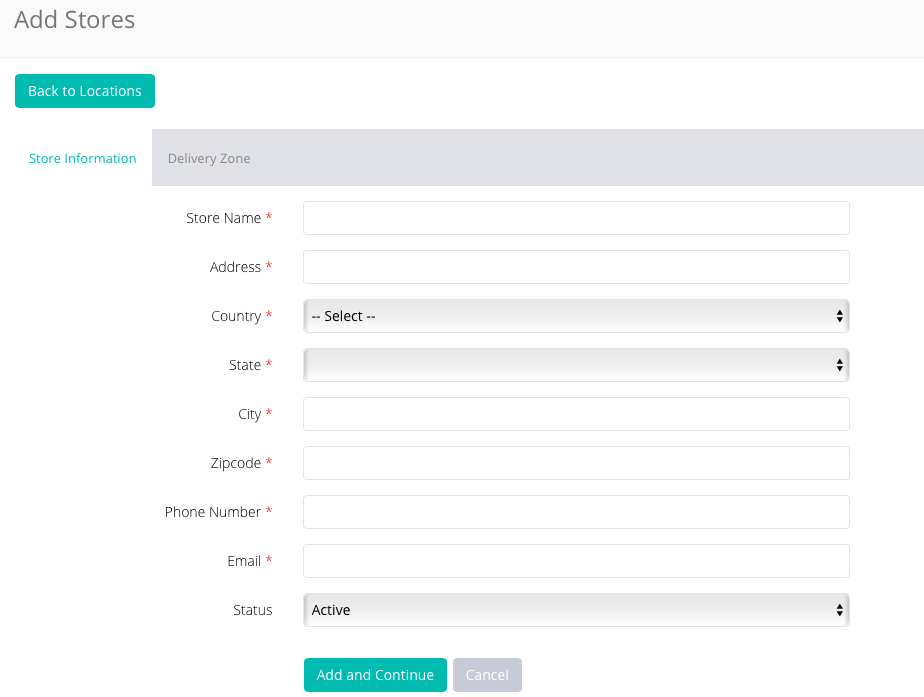
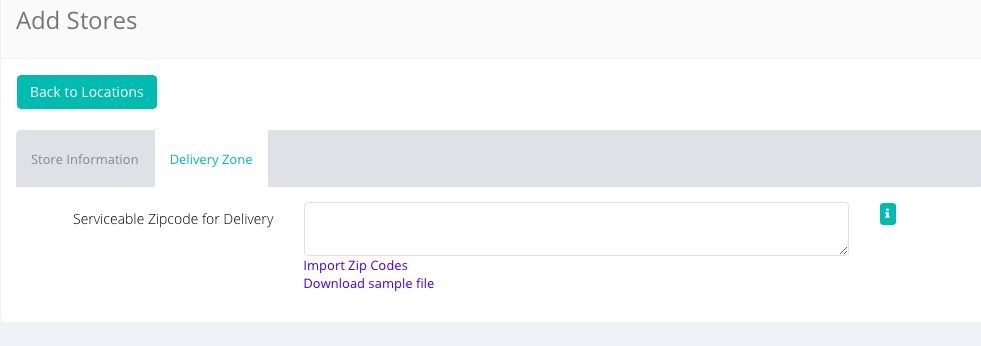
- Click Add and Continue to add delivery zones.
Note: Orders created with the in-store pickup and in-store payment methods require offline transactions and hence need to be updated manually.
Comments
0 comments
Please sign in to leave a comment.