
Shipping Settings establish the point of origin for all the shipments made from your store or warehouse and determine if you support shipments to multiple addresses. The point of origin also determines the store tax rate for the products sold.
Logon to CRM. Go to Settings > Shipping > Shipping Agents and click Add Shipping Agent and enter the following details:
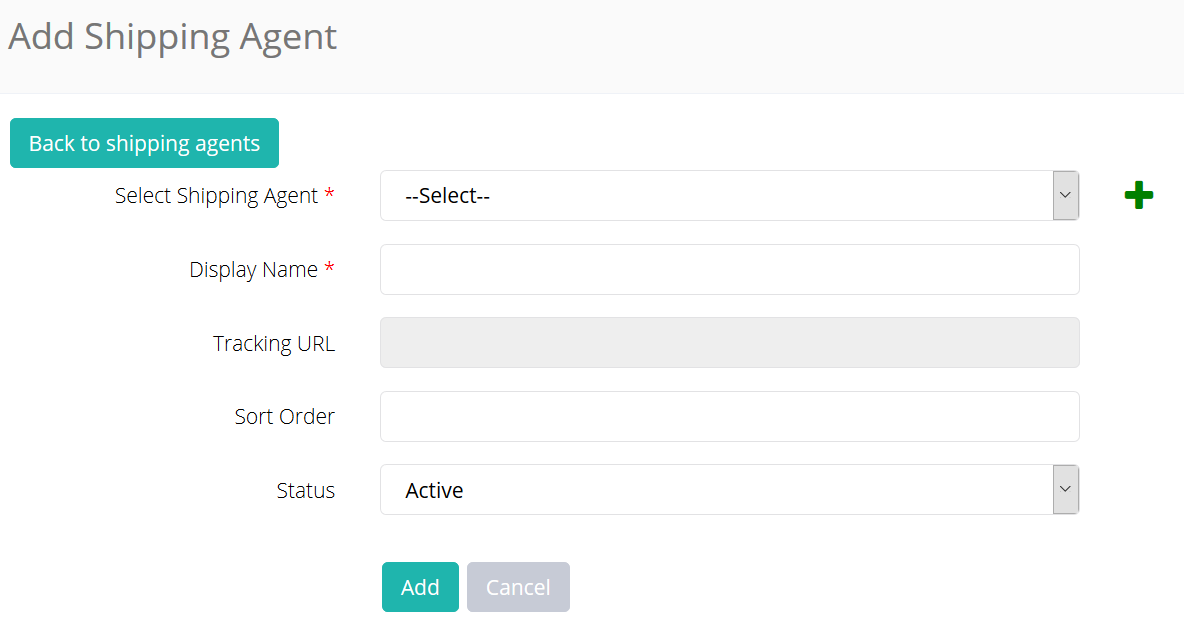
- Shipping agent: By default certain popular agents like Bluedart, DHL, TNT, XPS; are already added. If your shipping agent is not listed, click + and add.
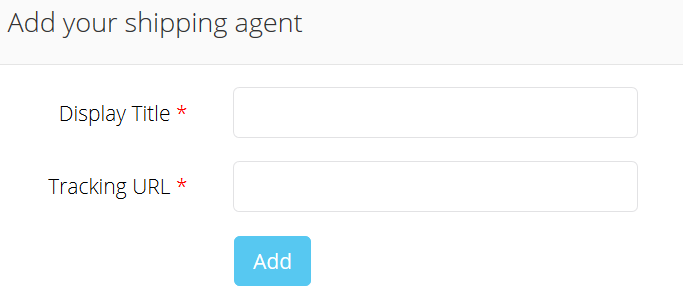
- Display Name
- Shipping agent’s Tracking URL
- Sort Order
- Status
Comments
0 comments
Please sign in to leave a comment.