
PayPal allows payment through credit cards, bank accounts, buyer credit, or PayPal account balances. Before you can collect payments for orders made with PayPal, you'll need to set up and register your account with Paypal.
Integrating PayPal with your app is two step process: 1. Obtain PayPal client ID and secret key 2. Add PayPal details in your app.
Obtain PayPal Client ID & Secret Key
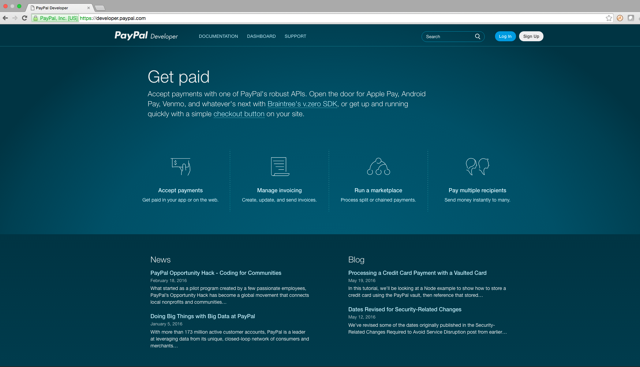
- Log in to your PayPal and go to developer.paypal.com
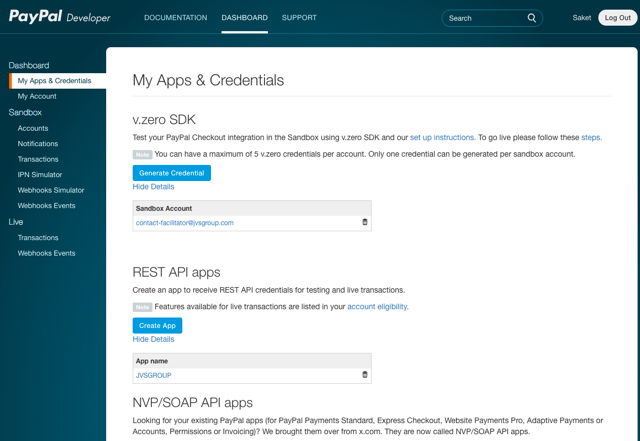
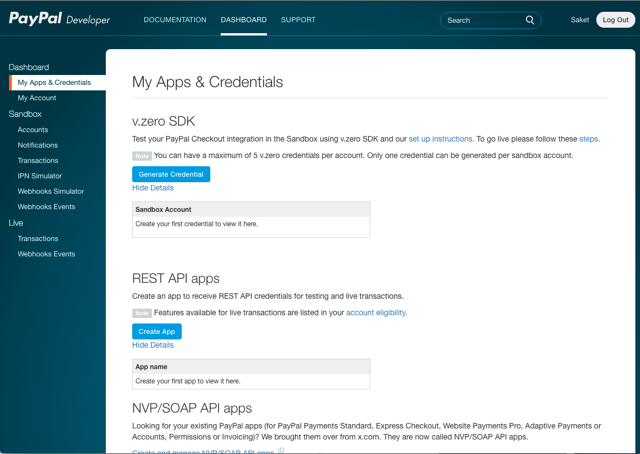
- Go to Dashboard > My Apps and Credentials and click Create App.
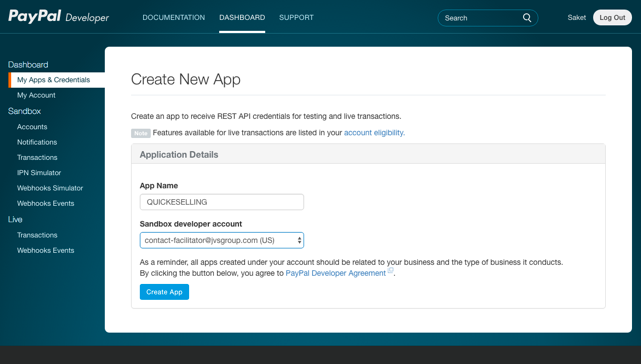
- Enter app name and click Create App to create new app.
- Go to the newly created app in above step and copy Client ID and Secret.
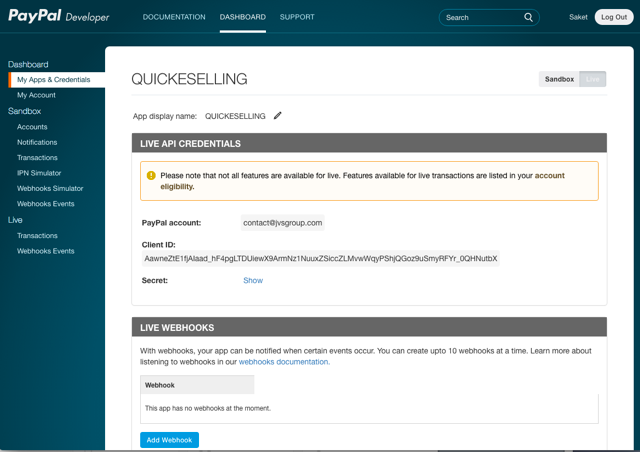
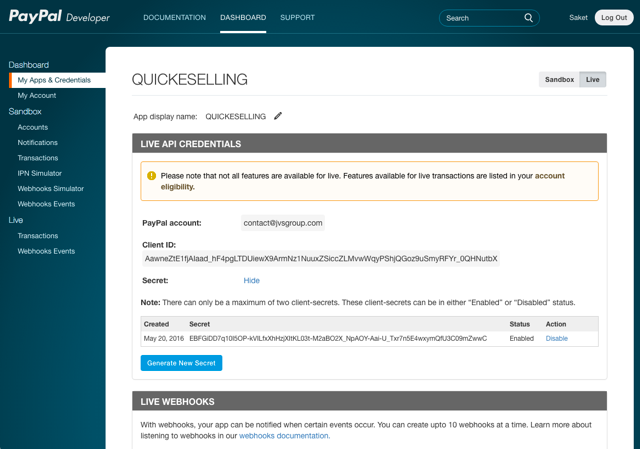
Add PayPal details in your CRM
Login to CRM. Go to Settings > Payments > Payment Gateway and follow the below given steps:
- Click Setting icon against PayPal.
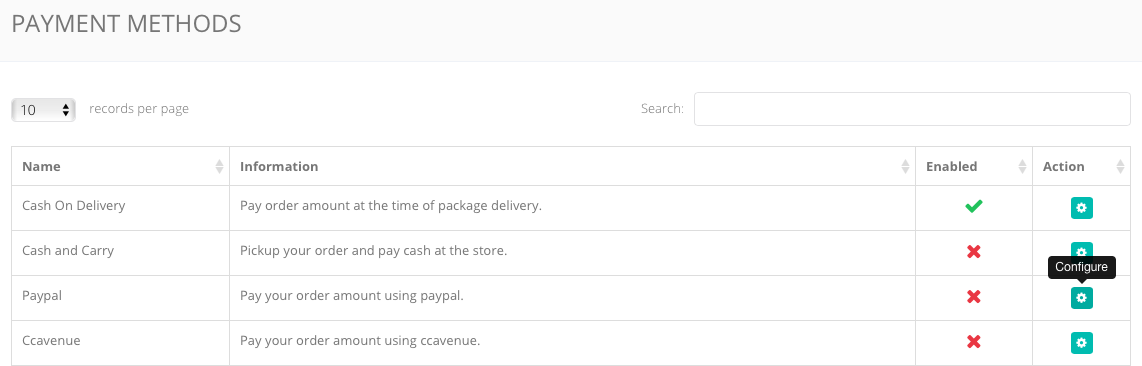
- Specify Email address associated with your PayPal account, client ID, secret key and click Save.
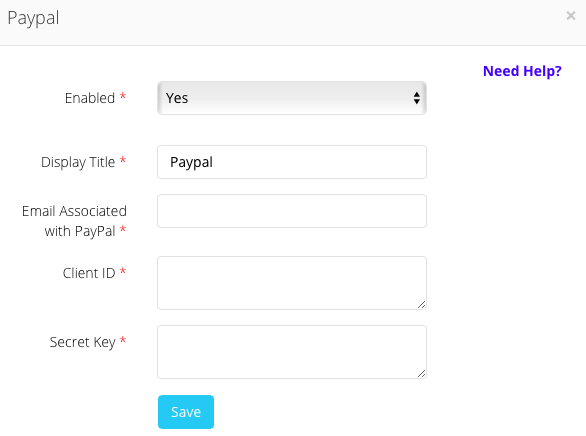
This will integrate your PayPal account in your store to accept payments through PayPal payment gateway.
Comments
0 comments
Please sign in to leave a comment.