
To manually set up sales tax, you must set up tax zones and rates. They are required for calculating sales tax accurately for your store.
Tax rate are the percentage at which products or services are taxed. Single zone can have multiple tax rates. This is necessary for products and services that needs to be taxed differently for different jurisdictions: federal, state and/or municipal.
Note: You need to setup tax rates before you define tax zones.
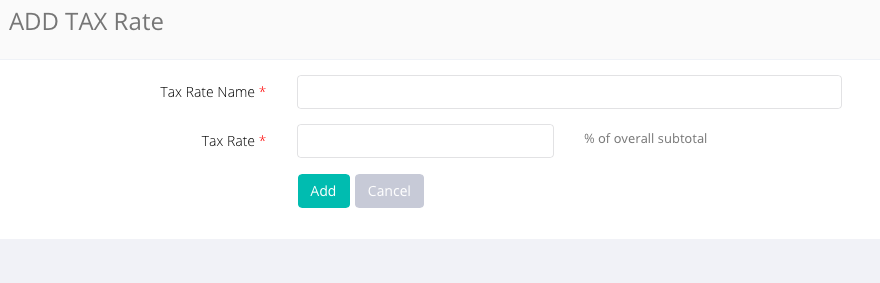
Log on to CRM, go to Setting > Tax, click Add Tax Rate and enter name and rate.
Comments
0 comments
Please sign in to leave a comment.